


Help center › System and administration
The API console (demo)
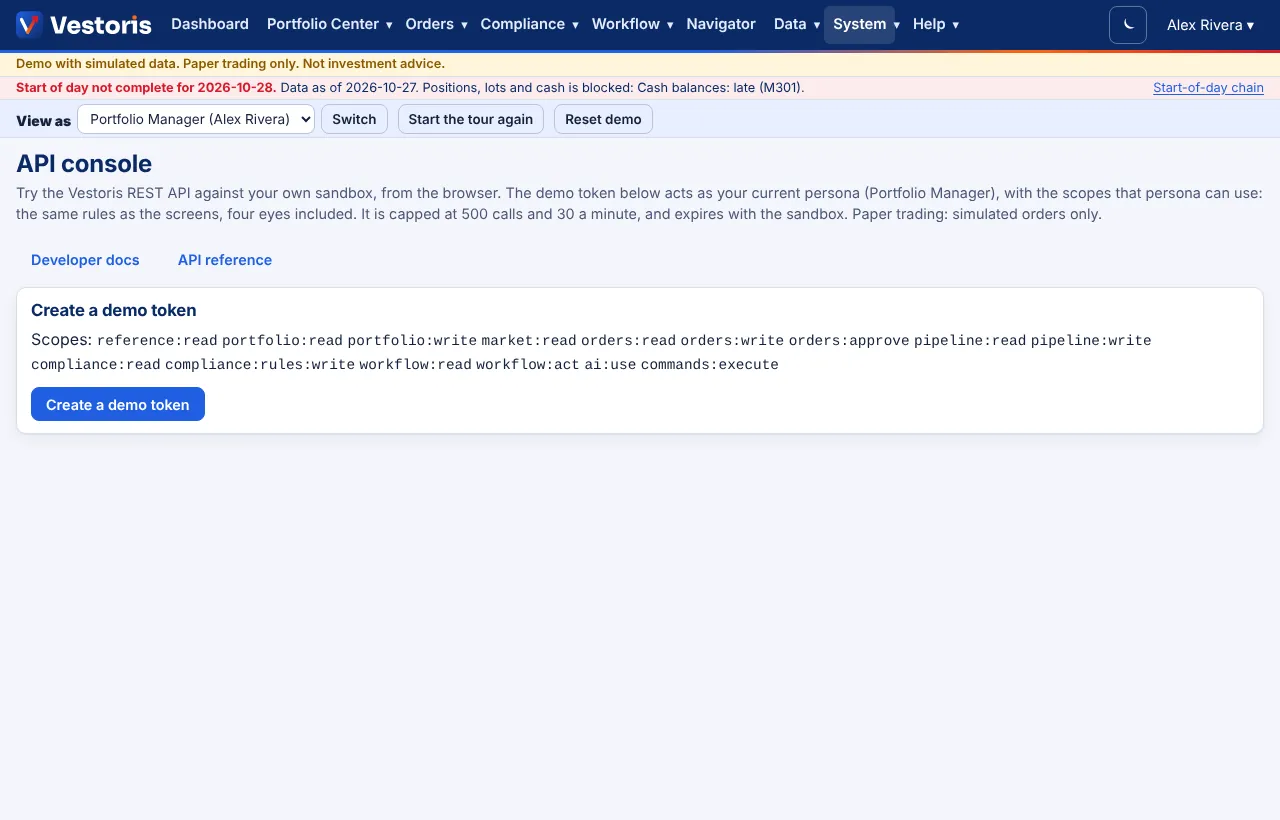
Try the REST API from the browser against your own demo sandbox, as your current persona.
At a glance
- Where
- System › API console (demo) (
/app/api/console) - Who
- Every persona of the demo. Roles and permissions
Try it in the demo A private sandbox firm, no sign-up. Simulated data only.
The API console is part of the demo. In your firm, create a personal access token on My API access and call the API with curl or your own code.
Step by step
- Create a demo token. It acts as your current persona, with the scopes that persona can use: the same rules as the screens, four eyes included. It is capped in calls (and 30 a minute) and expires with the sandbox. Switch persona and press New token to try another role.
- Pick an Endpoint (the list comes from the API's own document); the Method and Path fill in. Edit the path (e.g.
/api/v1/accounts?limit=3&fields=code,name,value,cash_pct). - For POST, PATCH and PUT add a JSON body; for updates an If-Match; for sign-offs and commands an X-Vestoris-Confirm. POST requests get a fresh Idempotency-Key automatically.
- Send. The Response shows the status, headers and body, and The same call with curl shows how to make it from a terminal.
Paper trading: simulated orders only.
Related articles
Do it with the API
Every action on this screen can also be done by your own systems, under the same permissions. See Authentication to get a token.
- GET
/api/v1/meWho the token acts as: user or service account, firm, role, privileges, scopes - GET
/api/v1/accountsThe accounts you can see, valued at the latest simulated closes - POST
/api/v1/copilot/questionsAsk Navigator (answers only from what you may see; logged)
Paper trading only: orders and fills in Vestoris are simulated. Nothing here is investment advice.