


Help center › Data and Interfaces
History and as-of
What any loaded record looked like on any date, and every version with the batch that made it.
At a glance
- Where
- System › Data and Interfaces › History and as-of (
/app/data/history) - Who
- Everyone can open it (records are limited to what you may see). Roles and permissions
Try it in the demo A private sandbox firm, no sign-up. Simulated data only.
Every loaded record is kept with the dates it was valid.
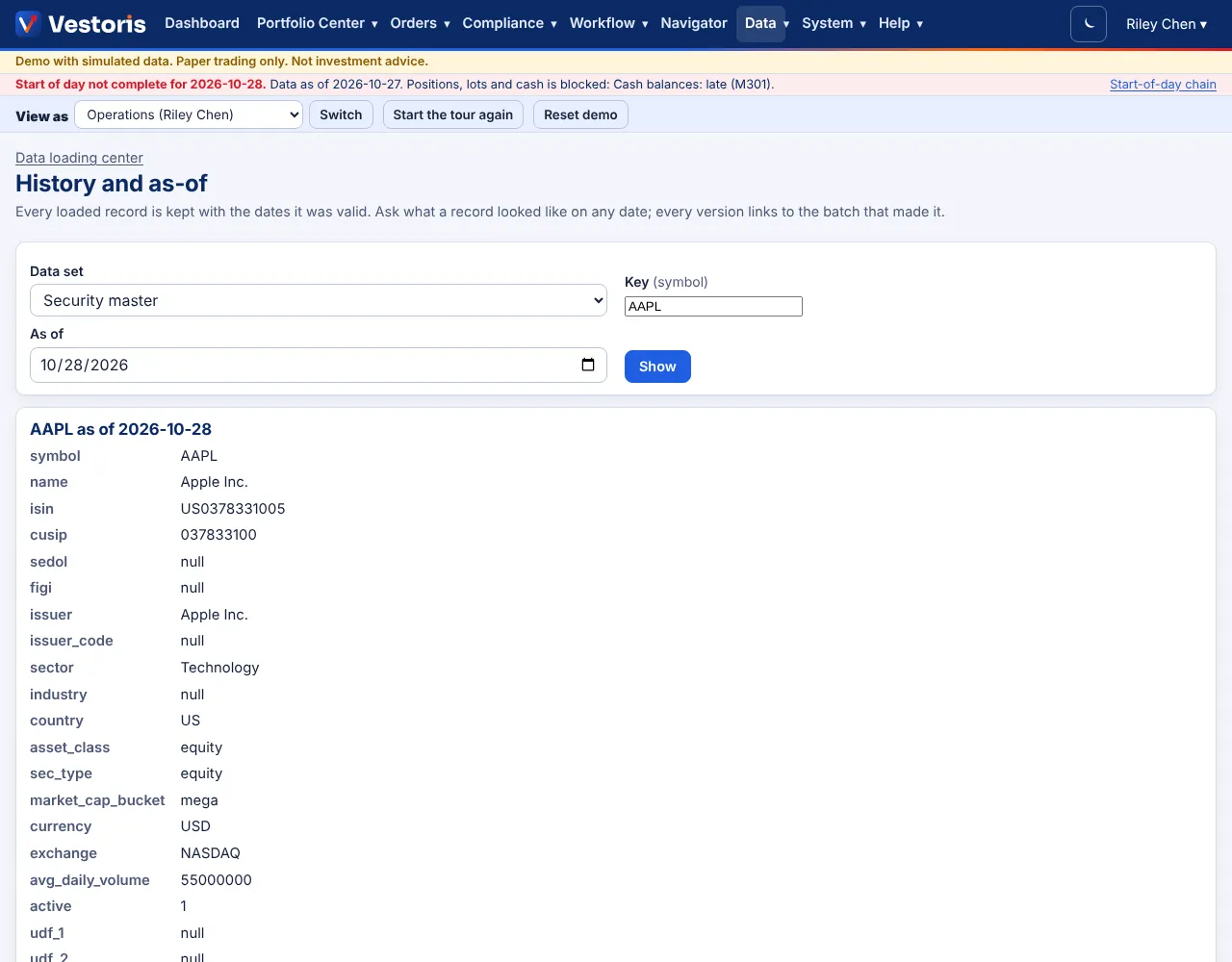
- Pick the data set.
- Enter the key: the data set's key (a symbol, an account code; several parts joined with
|, e.g.GRW-A|AAPLfor a position). - Pick the as of date and press Show.
You see the record field by field as it was on that date, and below it every version with its valid-from and valid-to dates and the batch that made it (a link to the batch).
Related articles
Do it with the API
Every action on this screen can also be done by your own systems, under the same permissions. See Authentication to get a token.
- GET
/api/v1/as-of/{dataset}/{key}A record as it was on a date (effective-dated history)
Paper trading only: orders and fills in Vestoris are simulated. Nothing here is investment advice.