


Help center › Data and Interfaces
Templates and field dictionary
Each data set's fields, what they accept and which column names are recognised; CSV templates and sample XML.
At a glance
- Where
- System › Data and Interfaces › Templates and field dictionary (
/app/data/dictionary) - Who
- Users with load data. Roles and permissions
Try it in the demo A private sandbox firm, no sign-up. Simulated data only.
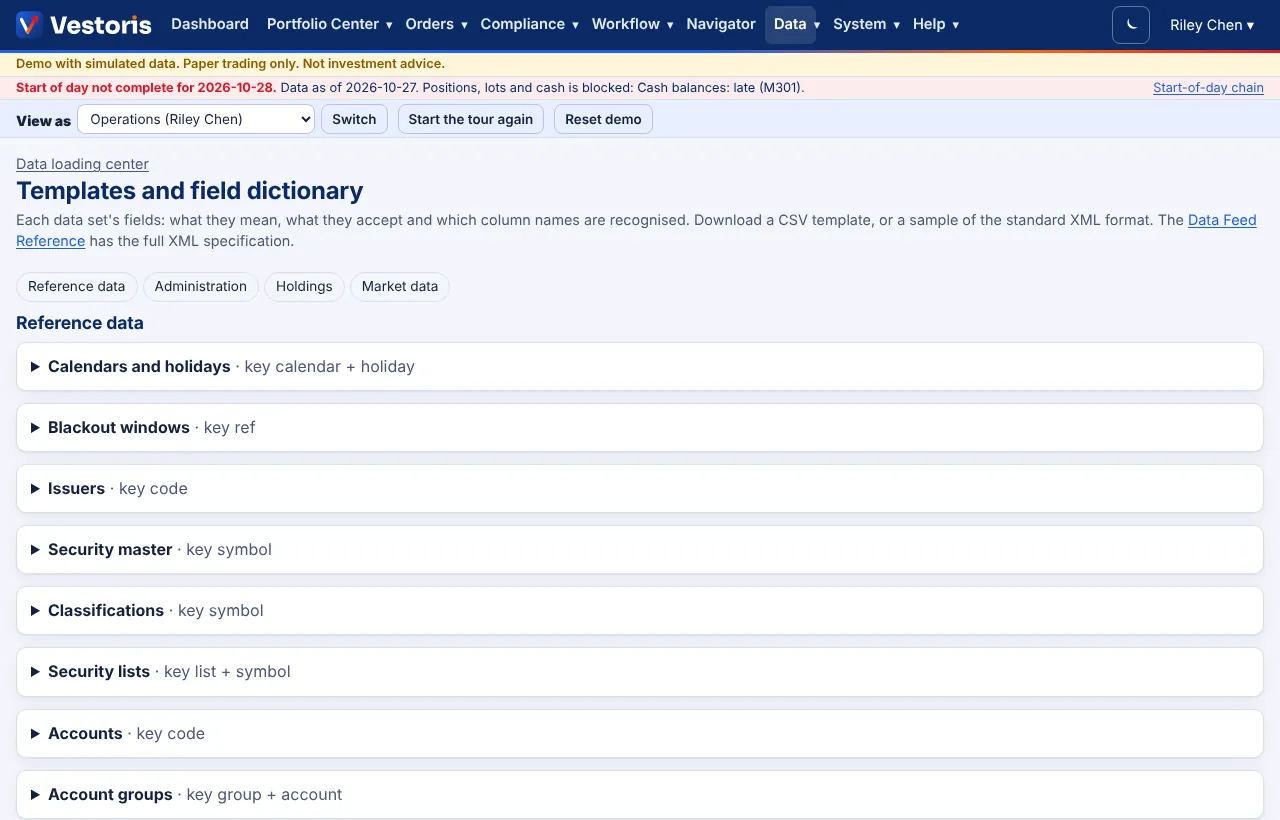
Data sets are grouped as Reference data (calendars, blackout windows, issuers, security master, classifications, security lists, accounts, account groups, model portfolios, benchmarks, brokers), Administration (users and roles, Admin only), Holdings (positions, tax lots, cash balances) and Market data (end-of-day and intraday prices, FX rates, average daily volume, corporate actions, risk factors).
For each: its key (e.g. Positions · key account + symbol), every field with what it means and accepts, the column names recognised, a CSV template to download, and a sample of the standard XML format. User-defined fields appear under their names. The full XML specification with XSDs is the Data Feed Reference.
Related articles
Do it with the API
Every action on this screen can also be done by your own systems, under the same permissions. See Authentication to get a token.
- POST
/api/v1/data/{dataset}Load a file (CSV, TXT, XLSX or Vestoris XML) into a data set; the body is the file
Paper trading only: orders and fills in Vestoris are simulated. Nothing here is investment advice.