


Help center › System and administration
Users and permissions
Invite users, set each one's role, account permissions and privileges, disable users and reset authenticators.
At a glance
- Where
- System › Users and permissions (
/app/entitlements) - Who
- Admins (manage users). Roles and permissions
Try it in the demo A private sandbox firm, no sign-up. Simulated data only.
On this page
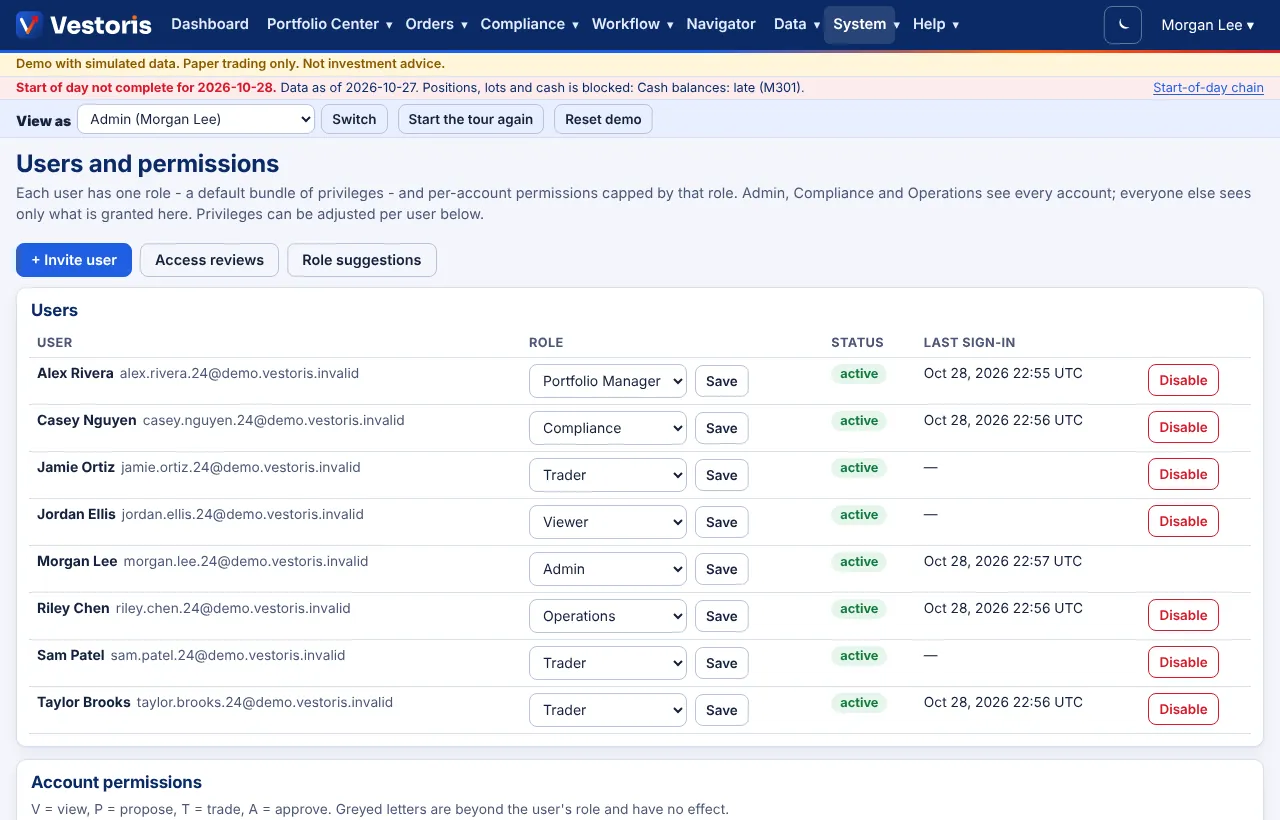
Each user has one role (a default bundle of privileges) and per-account permissions capped by that role. Admin, Compliance and Operations see every account; everyone else sees only what is granted here. See Roles and permissions for what each role may do.
Invite a user
- + Invite user.
- Name, Email and Role, then Send invitation.
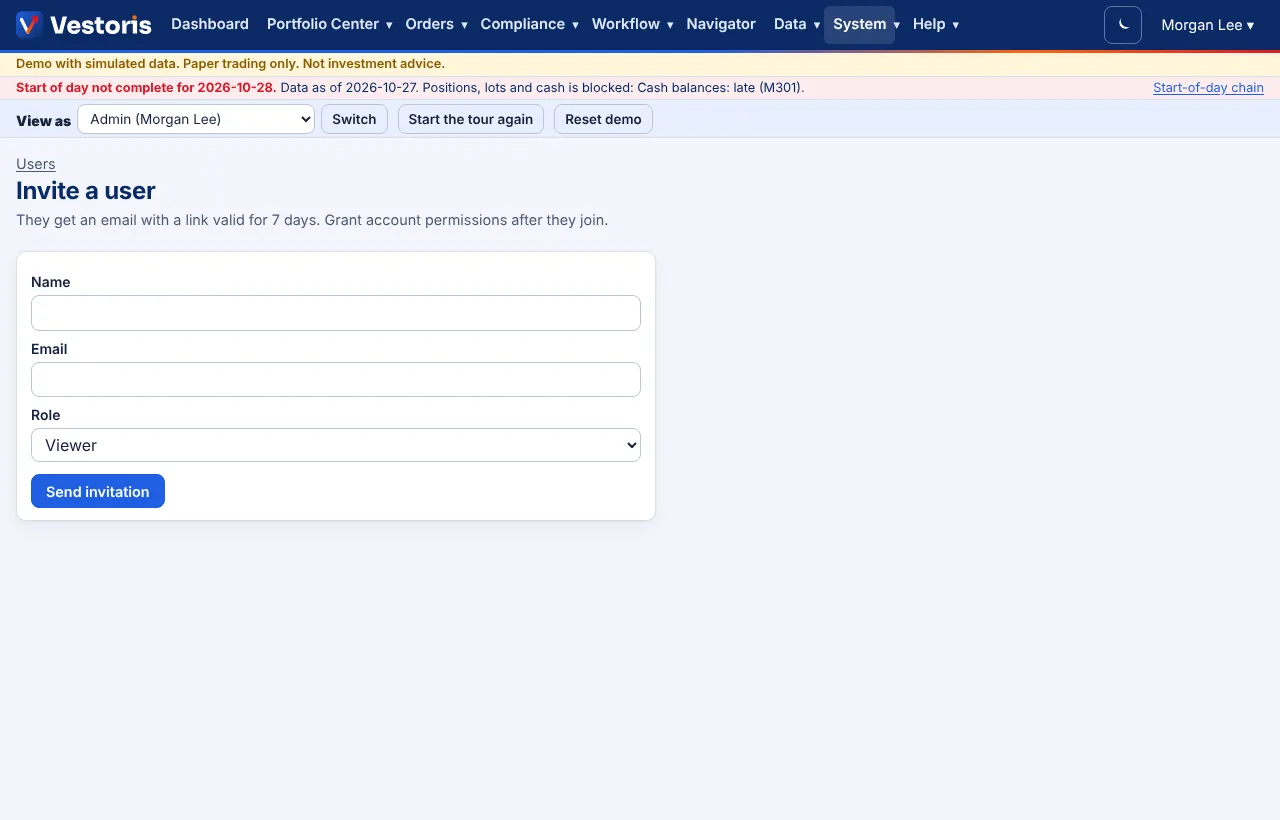
The person gets an email with a link valid for 7 days to choose a password and set up the authenticator app. Grant account permissions after they join.
Change a role, or disable a user
In the Users table pick a new role and press Save, or press Disable (a disabled user cannot sign in and their tokens stop working; enable them again the same way). You cannot disable yourself.
Account permissions
The grid has one cell per user and account: V view, P propose, T trade, A approve. Click a letter to grant or remove it. Greyed letters are beyond the user's role and have no effect.
Privileges
The privileges grid shows, per user: author rules, approve rules, approve overrides, review compliance, lists, export, load data, operations, manage shared views, Navigator proposals. ✓ role means the role gives it; + grant adds it for this user; − remove takes it away. Pick from the menu in the cell.

Reset an authenticator
For a user who lost their phone: Reset authenticator on their row. They set it up again at their next sign-in. You cannot reset your own; another Admin can.
The record
Every invitation, role change, grant, removal, disable and reset is in the event log. Access reviews and Role suggestions help keep access minimal.
Related articles
Do it with the API
Every action on this screen can also be done by your own systems, under the same permissions. See Authentication to get a token.
- GET
/api/v1/usersUsers of the firm (people and service accounts) - GET
/api/v1/users/{id}One user with privileges - POST
/api/v1/usersInvite a person (an email with a link) - PATCH
/api/v1/users/{id}Change role or status (If-Match) - PUT
/api/v1/users/{id}/privileges/{privilege}Grant, remove or reset one privilege - GET
/api/v1/rolesRoles, their default privileges and maximum account permissions - GET
/api/v1/entitlementsPer-account permissions of every user - PUT
/api/v1/entitlements/{userId}/{accountId}Set one user's permissions on one account
Paper trading only: orders and fills in Vestoris are simulated. Nothing here is investment advice.